
Financial Statements
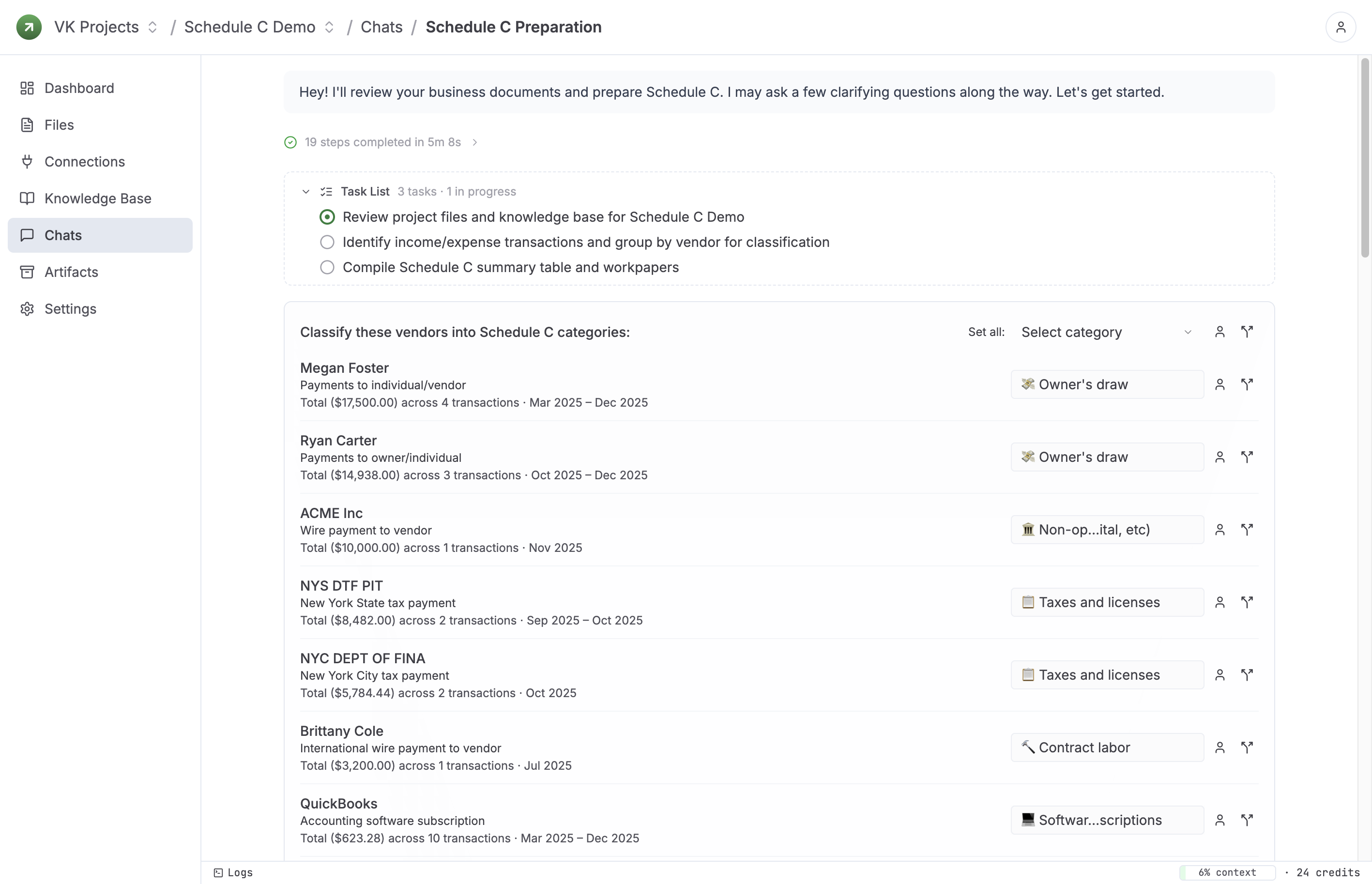
Classify transactions and prepare financials
The built-in classifier sorts vendor spend into bookkeeping and tax categories, then prepares financial statements or tax-ready summaries, including Schedule C when needed.
AI Agent for CPAs, Tax Preparers, Bookkeepers, and Analysts
Bookgent turns client files into prepared tax returns, financial statements, and clear answers to finance questions. It reads the source documents, classifies and reconciles the data, follows up when something is missing, and produces work your team can review.
No credit card required. Start with a real return, close, or analysis request.
Statements, tax documents, spreadsheets, and exports.
Open items, classifications, and supporting notes.
Returns, financials, workpapers, and answers.
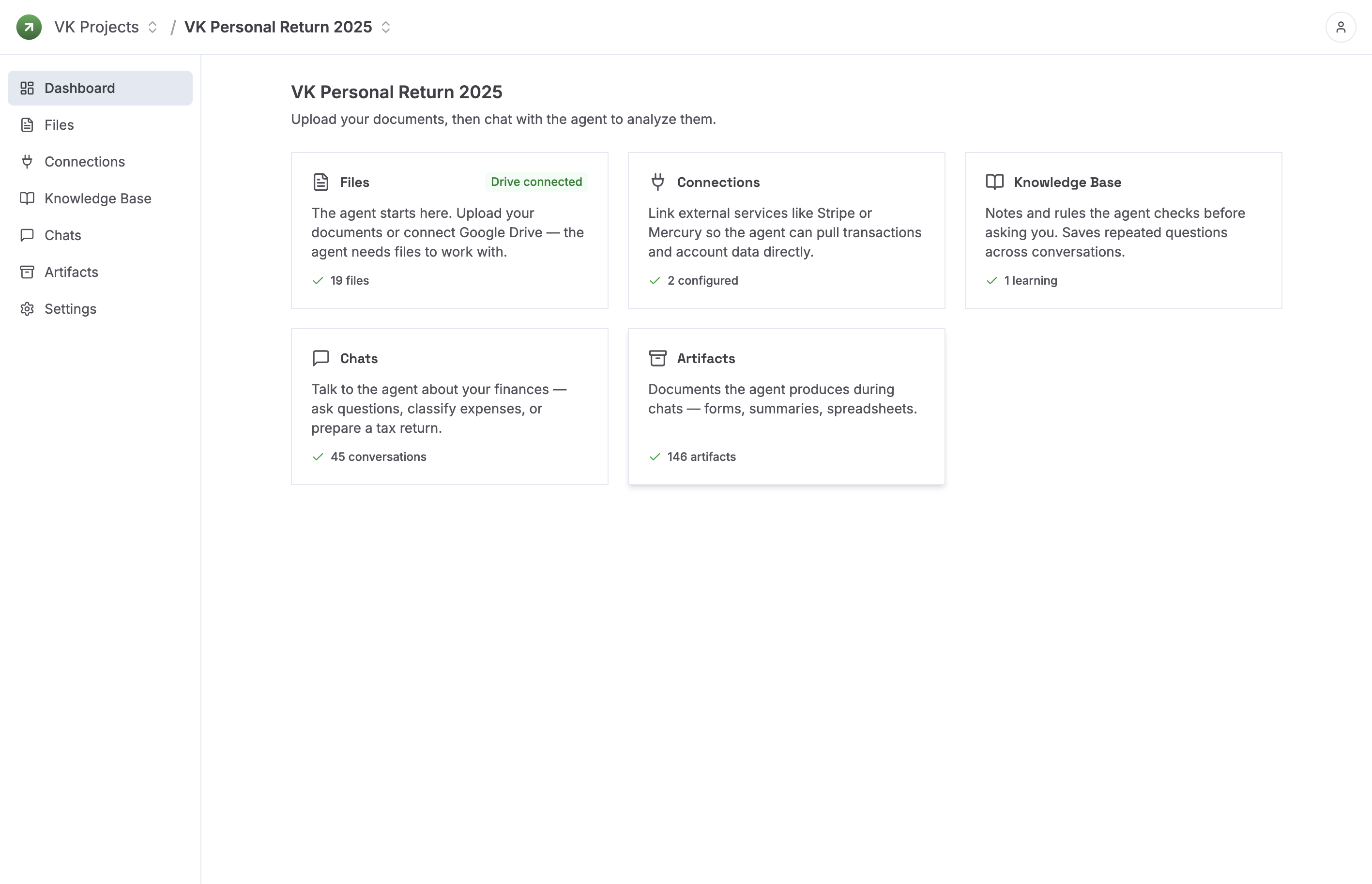
Built For
Firms handling real books, returns, reporting, and client files.
Why It Works
Bookgent behaves more like a strong preparer, analyst, and software engineer: it can break a messy job into steps, work through the data, stay grounded in the underlying forms and instructions, and leave a trail your team can review.
When the job needs cleanup, calculations, or reconciliation, Bookgent works through the steps and prepares the output instead of only describing what to do.
Bookgent is built around a structured library of tax forms, schedules, and instructions, so return prep stays aligned with real filing requirements instead of generic advice.
Classifications, summaries, and prepared deliverables stay tied to the underlying files so a preparer can review before filing or sharing.
How It Works
The process stays simple: import the file set, let Bookgent classify and structure the data, answer open questions, and review the finished work.
Upload client documents, trial balances, statements, or exported reports.
Bookgent organizes transactions, matches related records, and turns messy inputs into working data.
If something is missing or unclear, the agent asks focused questions before it moves ahead.
Get prepared returns, financial statements, workpapers, and answers your team can inspect.
Use Cases
The first wins usually come from recurring prep work, document-heavy analysis, and client questions that already exist in the practice.
Financial Statements
The built-in classifier sorts vendor spend into bookkeeping and tax categories, then prepares financial statements or tax-ready summaries, including Schedule C when needed.
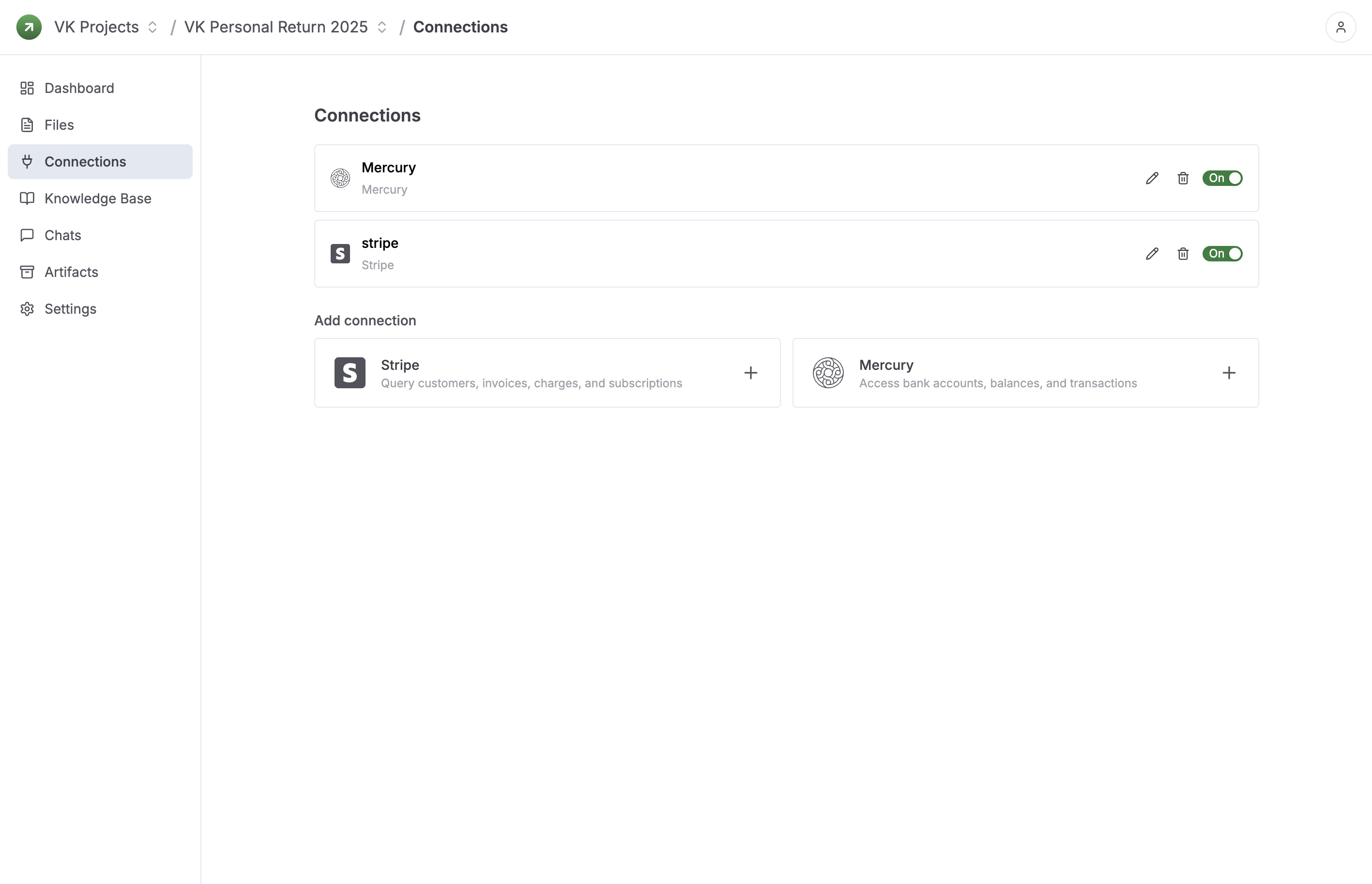
Finance Questions
Connect Stripe, Mercury, and other systems or upload exports. Ask about revenue, spending, cash movement, missing documents, or unusual activity and get answers tied back to the underlying data.
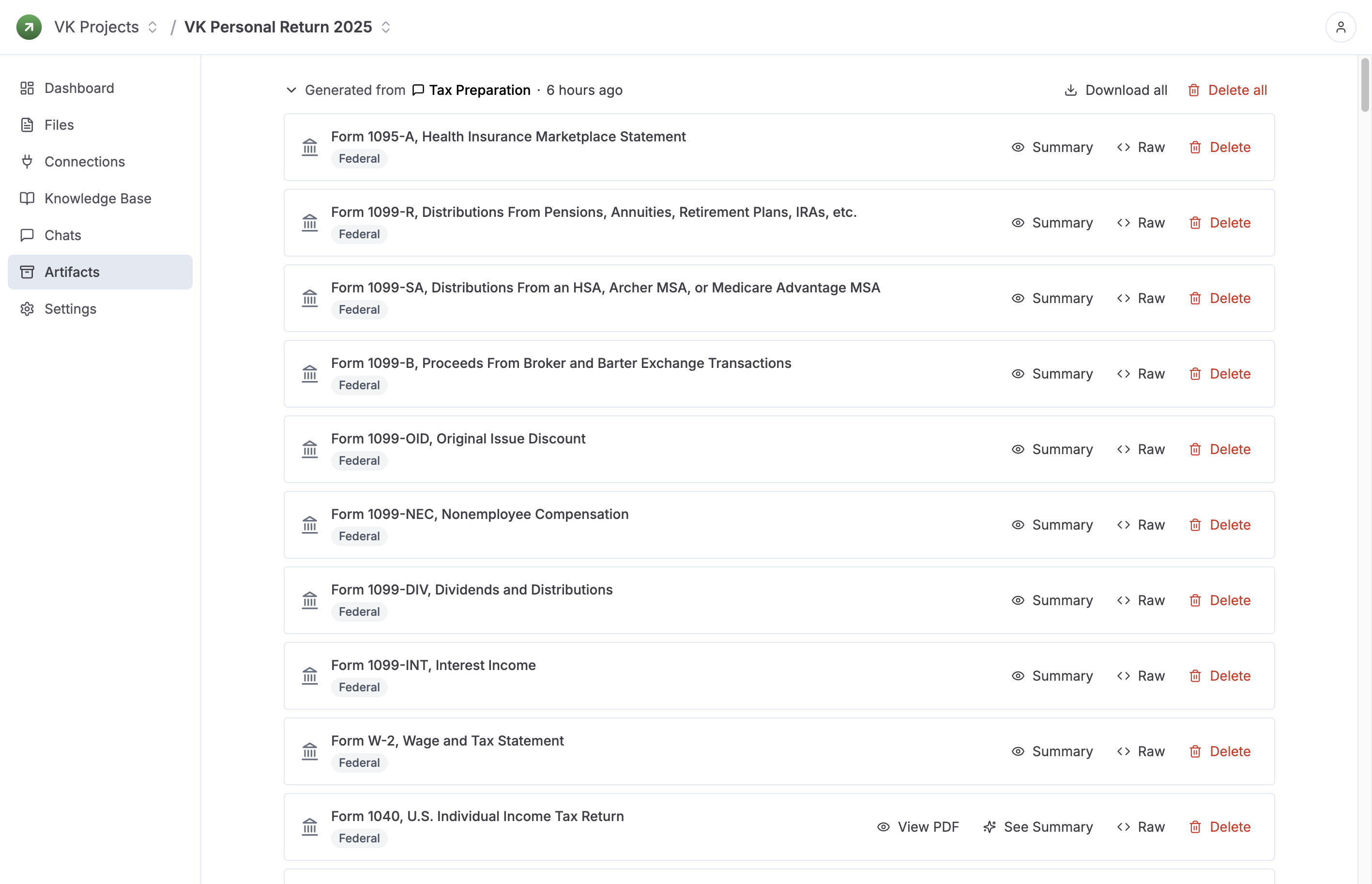
Tax Preparation
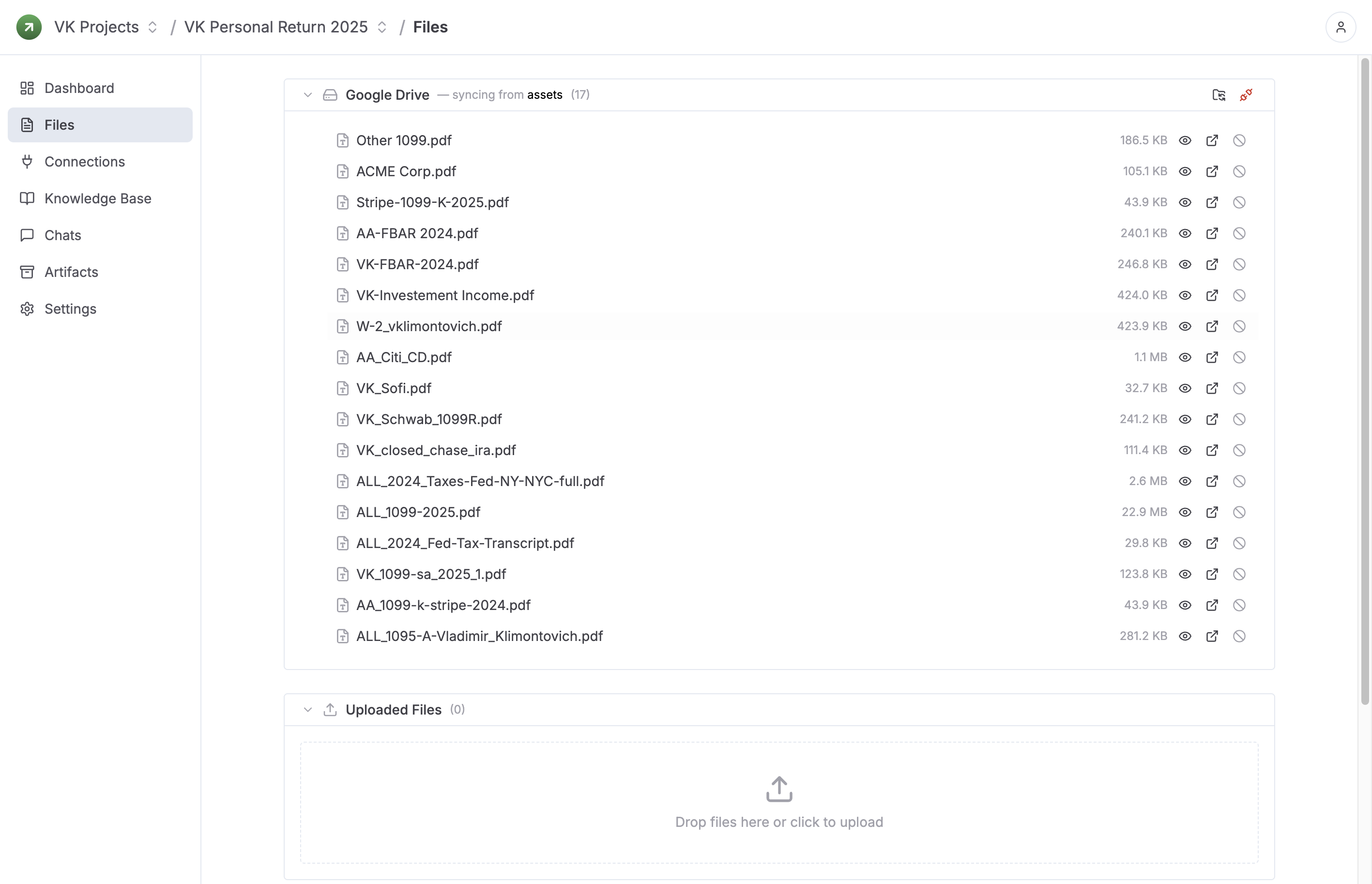
Upload W-2s, 1099s, K-1s, and supporting documents. Bookgent organizes the facts, follows the form instructions, and prepares reviewable returns and supporting workpapers.
For Firm Workflows
Your team still owns judgment and review. Bookgent handles the repetitive reading, structuring, classification, and prep work that usually slows the job down.
Open questions show up before they turn into rework at the end of the process.
Bookgent prepares the work, but the final output stays easy for a human reviewer to inspect.
Once Bookgent fits your practice, you can apply the same approach across similar engagements.
Start Small
Start with one return, one month-end close, or one queue of finance questions. Use Bookgent on real work, see how it fits your review process, and expand from there.